
Music Recording Software
📖 Table of Contents
- What is Music Recording Software and Why It Matters
- How to Choose the Right Software for Your Homeschooler
- Integrating Music Recording into Your Homeschool Curriculum
- Tips for Getting Started with Music Recording Software
- The Benefits of Music Recording Software for Homeschoolers
- How to Encourage Collaboration and Sharing
- How to Keep Your Child Motivated and Engaged
- Make It Your Way
- Frequently Asked Questions
As a homeschooling parent, I once watched my 8-year-old daughter struggle to capture her voice on a recorder for a school project. She was frustrated, the software was too complicated, and I felt helpless. That moment made me realize how crucial it is to have accessible, user-friendly music recording software for young learners. It's not just about making music; it's about empowering kids to explore their creativity and build confidence in a digital world.[1]
After that, I spent months researching and testing different music recording software, from free options to premium programs. What I discovered was that some software, like GarageBand, was surprisingly intuitive for kids, while others were too overwhelming. My daughter now uses a simple app to record her songs and even add effects, and it's opened up a whole new world of expression for her. Music recording software can be a gateway to learning about rhythm, pitch, and even basic music theory, all through hands-on exploration.
I've seen the difference it makes when kids are given the tools to create their own music. Whether it's recording a piano piece, layering sounds, or mixing tracks, the right software can make the process both educational and fun. It's not just a tool for making music—it's a way to teach patience, attention to detail, and the joy of creation. For homeschoolers, this is a powerful opportunity to integrate technology and music into everyday learning.
Why You'll Love This Music Recording Software
- Encourages creativity through hands-on music making
- Supports learning about rhythm, pitch, and sound
- Offers intuitive interfaces for young users
- Can be used across multiple devices and platforms
What is Music Recording Software and Why It Matters
As of October 2026, Music recording software is more than just a digital recorder—it's a full suite of tools that allow users to layer instruments, adjust tempo, and apply effects. For homeschoolers, it's an opportunity to explore the fundamentals of music through experimentation and practice. One of the most surprising things I discovered was how quickly children can pick up on concepts like timing, pitch, and even dynamics when they're using software that makes these ideas tangible. (1610, ntrs.nasa.gov)[2]
The ability to listen back to their own recordings helps kids identify areas where they can improve. I've watched my daughter analyze her own vocal track, adjusting the volume and adding reverb to make it sound more polished. This kind of self-assessment is a valuable learning experience that goes beyond just music—it builds confidence and critical thinking skills.
Some music recording software even allows for virtual instruments and MIDI controllers, which can be used to teach kids about different musical styles and techniques. It's like having a music studio in the palm of your hand, and it's incredibly empowering for young learners.
Begin with simple tools like a voice recorder or a basic app that allows you to record and play back sound. Once your child is comfortable, you can gradually introduce more advanced features.
How to Choose the Right Software for Your Homeschooler
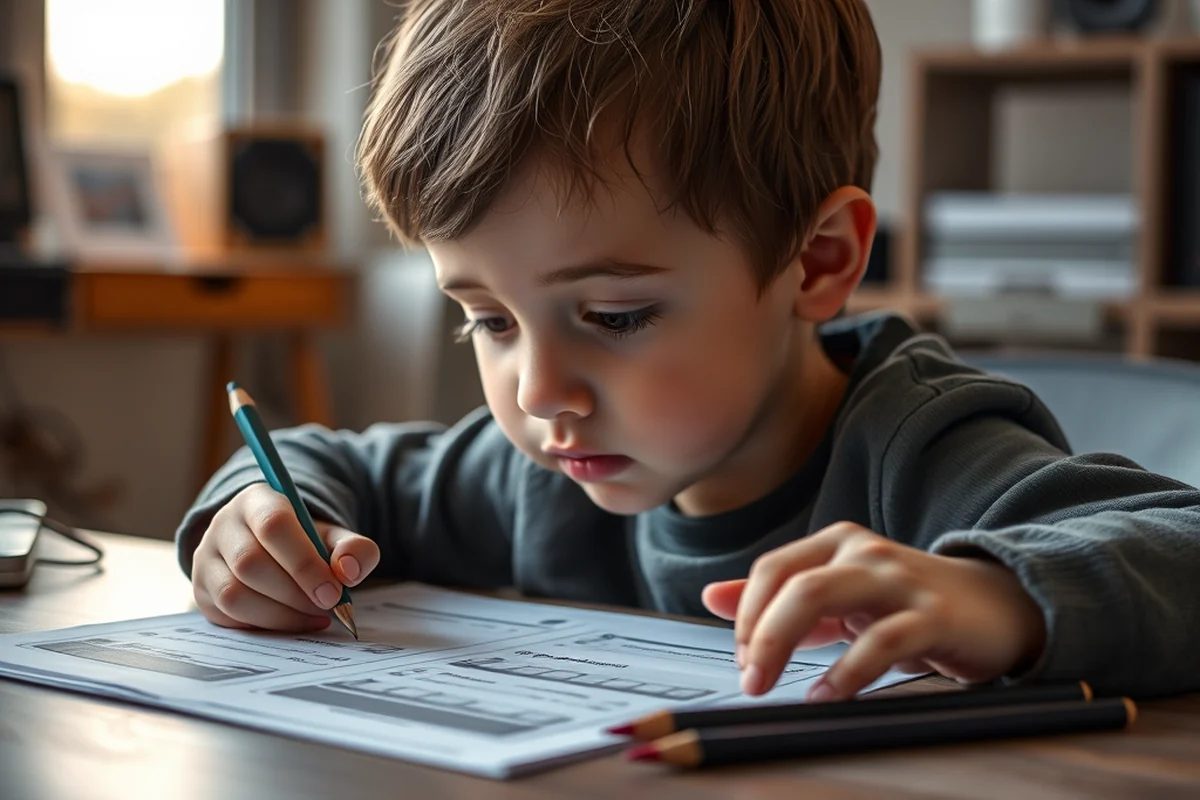
When I first started looking for music recording software, I was overwhelmed by the options. There are free programs like Audacity and paid ones like GarageBand and FL Studio. It's important to consider what your child is trying to achieve. For younger kids, I found that programs with visual interfaces and simple controls, like GarageBand, were the easiest to use.
I also discovered that some software is better suited for specific tasks. For example, if your child is focusing on vocal recordings, programs with built-in vocal filters and EQ settings can be a huge help. On the other hand, if they're interested in instrument recording, you'll want to look for software that supports multiple tracks and virtual instruments.
Another factor to consider is the device your child will be using. Some software is only compatible with certain operating systems, so it's a good idea to check the requirements before making a purchase. I found that most of the software we've used works on both Mac and PC, which is great for families with multiple devices.
The right software can turn a simple hobby into a powerful learning experience.
Related: Music lessons how much
Integrating Music Recording into Your Homeschool Curriculum
I've found that integrating music recording into our homeschool curriculum has been incredibly beneficial. For example, we've used software to explore math concepts like fractions and ratios by analyzing the timing of beats and measures. It's a hands-on way to teach abstract concepts that can sometimes be difficult for kids to grasp.
Language arts is another area where music recording software has been useful. We've used it to help my daughter practice reading by setting the words to a melody. This has made reading more engaging and has helped her retain information better. I've also used it to teach her about storytelling by having her create a musical piece based on a fable or historical event.
In addition to math and language arts, music recording software can be used to teach science concepts like sound waves and acoustics. My daughter has been fascinated by how different materials affect the way sound travels, and we've used the software to experiment with different recording environments and microphone placements.
Try using music recording software to teach subjects like math, language arts, and science by connecting concepts to musical elements like timing, rhythm, and sound waves.
“As a homeschooling parent, I once watched my 8-year-old daughter struggle to capture her voice on a recorder for a school project.”— Teaching Music to Homeschoolers editors
Related: Piano teachers in manhattan
Tips for Getting Started with Music Recording Software
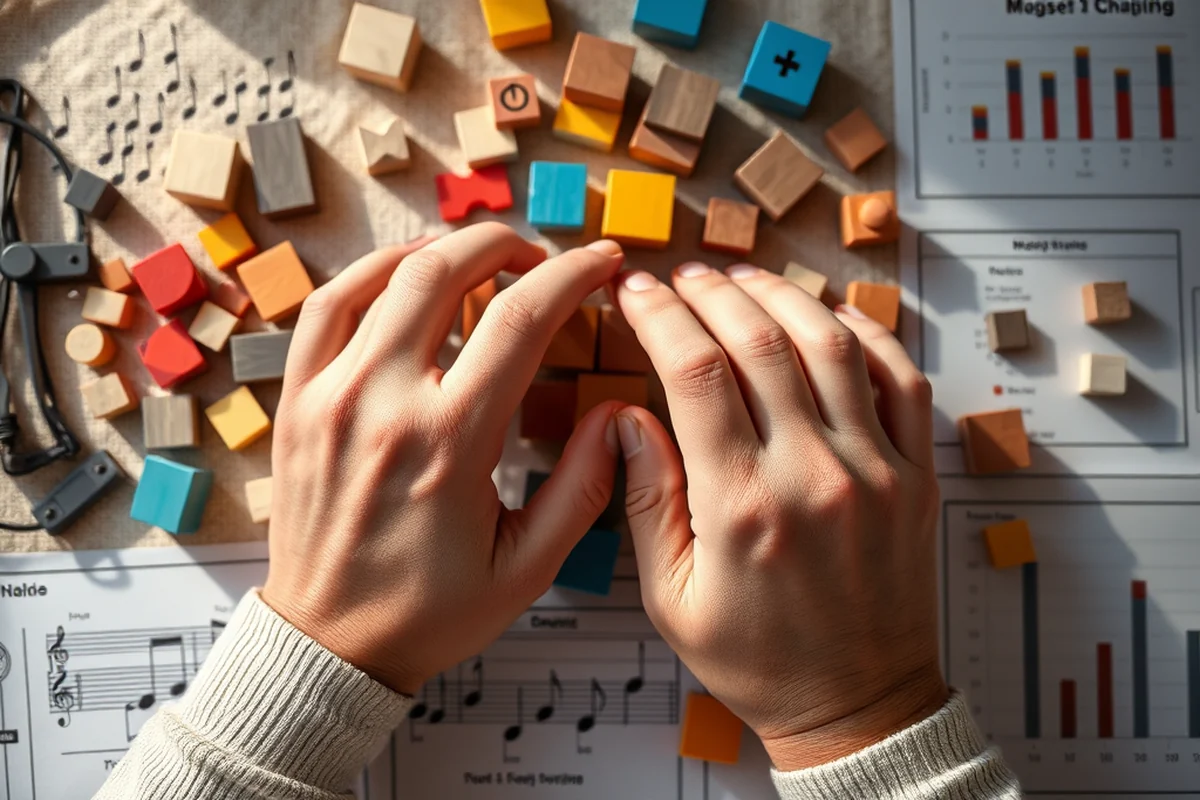
One of the most important things I've learned is to start simple. It's easy to get overwhelmed by all the features available in music recording software, but it's best to introduce them gradually. I've found that my daughter enjoys the process more when we take it step by step, focusing on one task at a time.
Another tip is to make the experience fun. I've used games and challenges to keep my daughter engaged. For example, we've set up little competitions to see who can create the most interesting sound effects or the most creative melody. This has turned what could be a learning activity into something that feels more like a game.
It's also important to be patient and let your child explore at their own pace. Some kids may pick up on concepts quickly, while others may need more time to understand the tools. I've found that the best way to encourage learning is to be a supportive guide rather than a strict instructor.
Related: Teachers music board
The Benefits of Music Recording Software for Homeschoolers
One of the biggest benefits I've noticed is how music recording software helps kids develop their creativity. It allows them to experiment with different sounds and styles, which can be incredibly empowering. My daughter has been able to compose her own songs and even collaborate with friends through online sharing features.
In addition to creativity, music recording software can help improve focus and concentration. I've noticed that my daughter is more engaged when she's working on a musical project, and she tends to stay focused for longer periods of time. This is especially helpful during long homeschooling sessions.
Another benefit is the way it helps kids express themselves. Music is a powerful form of communication, and I've seen my daughter become more confident in sharing her thoughts and ideas through her music. It's been a great way for her to process emotions and build self-awareness.
Related: Do music teachers make good money
How to Encourage Collaboration and Sharing
I've found that using music recording software to encourage collaboration has been a great way to help kids learn from each other. We've set up little projects where my daughter and her friends can work together on a song or a sound effect. This has helped them develop teamwork and communication skills.
Sharing their work with others is also a valuable learning experience. I've encouraged my daughter to share her recordings with family and friends, and it's been a great way for her to receive feedback and learn how to improve. It's also a great way to build confidence and self-esteem.
There are also online communities and forums where kids can share their music and get feedback from other users. This has been a great way for my daughter to connect with other young musicians and learn from their experiences. It's amazing how much she's been able to grow through these interactions.
Collaboration and sharing through music can help kids build important social and emotional skills.
Related: Music education homeschool
How to Keep Your Child Motivated and Engaged
I've found that setting small goals and celebrating achievements helps keep my daughter motivated. For example, we've set targets like recording a full song or mastering a new technique, and we've made it a point to celebrate each milestone. This has helped her stay focused and excited about the process.
Another way to keep her engaged is to introduce new challenges and projects. We've experimented with different genres of music and even tried creating soundtracks for short films and stories. This has helped her explore her interests and stay engaged with the software.
It's also important to be a supportive presence and to share in the experience. I've made it a point to sit with my daughter and listen to her recordings, offering feedback and encouragement. This has helped her feel more confident and has strengthened our bond as a family.
🎵 Younger Kids (Ages 3-6)
Simplify the interface and use visual cues to guide children through the recording process. Focus on basic tools like voice recording and simple sound effects.
🎧 Older Kids (Ages 7-12)
Introduce more advanced features like layering tracks, adjusting tempo, and using virtual instruments to support deeper learning and creativity.
✨ No-Prep Version
Use free, user-friendly software that requires no setup or installation. This is perfect for spontaneous music-making sessions.
👥 Group Version
Encourage collaboration by using software that supports multiple users and allows for shared projects and real-time editing.
📚 Extension Activity
Integrate music recording into other subjects by exploring concepts like rhythm in math, sound waves in science, and storytelling in language arts.
| The mistake | Why it happens | The fix |
|---|---|---|
| Choosing a software that's too complex for your child's age or skill level. | Using software that's too advanced can overwhelm your child and discourage them from using the tool regularly. | Start with simple software that has a user-friendly interface and gradually introduce more advanced features as your child becomes more comfortable. |
| Not providing enough guidance or support when your child is using the software. | Without proper guidance, your child may become frustrated or lose interest in the activity. | Be a supportive presence and offer guidance when needed. It's also helpful to set small goals and celebrate achievements to keep your child motivated. |
| Focusing too much on the end result rather than the learning process. | This can lead to frustration and discourage your child from exploring their creativity freely. | Encourage exploration and experimentation rather than focusing solely on the end product. Celebrate the process of learning and creating. |
| Not integrating the software into other areas of learning. | Using music recording software in isolation may limit its educational value. | Integrate the software into other subjects like math, science, and language arts to create a more holistic learning experience. |
Music Recording Software
Common Questions
What are some of the best music recording software for homeschoolers?
Can music recording software be used on both Mac and PC?
How can I use music recording software to teach my child about music theory?
Is there a free version of music recording software that's suitable for homeschoolers?
References
Cite this guide
Teaching Music to Homeschoolers (2026). Music Recording Software. https://melodystart.com/music-recording-software/
Feel free to cite or share this guide.