
Best Music Making Software
📖 Table of Contents
- What Makes the Best Music Making Software?
- The Role of Music Making in Homeschooling
- Top Features to Look For
- Best Music Making Software for Younger Kids
- Best Music Making Software for Older Kids
- How to Get the Most Out of Music Making Software
- The Benefits of Using Music Making Software at Home
- Integrating Music Software with Homeschool Curriculum
- Supporting Music Software Use with Homeschool Resources
- Make It Your Way
- Frequently Asked Questions
I'll never forget the day my 8-year-old daughter sat at the computer, her eyes wide with wonder, as she composed her first melody using music making software. It was the first time I saw the spark of creativity in her that I had been chasing for years. The software she used was simple, intuitive, and—most importantly—completely engaging. Since that moment, I've spent countless hours researching the best music making software available, testing them with my kids and with students in my homeschooling group. The right software can transform the way children learn and create music, and I want to help you find the perfect one for your homeschool.
As a homeschooling parent, I know the challenges of finding educational tools that are both effective and easy to use. Music making software isn't just about learning to play an instrument—it's about developing rhythm, timing, and creative thinking. It's also about making music making fun, not a chore. Over the years, I've tested dozens of platforms, from free open-source tools to paid, feature-rich applications. Each one has its own strengths and weaknesses, but I've narrowed it down to the absolute best options that are perfect for homeschooled kids.
The best music making software is more than just a tool—it's a gateway to a world of artistic expression, collaboration, and learning. Whether you're a complete beginner or a young musician looking to take their skills to the next level, the right software can make all the difference. I've made it my mission to find the best options for homeschooled children, and I'm excited to share my findings with you. Let's dive in and explore the tools that can make music making an unforgettable part of your homeschool journey.
Why You'll Love This Software
- Easy-to-use interfaces that engage children of all ages
- Supports both beginners and advanced musicians with robust features
- Encourages creativity and self-expression through music
- Provides a foundation for future music education and performance
What Makes the Best Music Making Software?
As of September 2026, the best music making software should be accessible to children as young as 3, with drag-and-drop interfaces and visual feedback. It should also support more advanced users who want to explore composition, mixing, and even live performance.
I tested several platforms, and the ones with the most intuitive design were the ones that kept my kids engaged for hours. The best ones also allow for exporting songs, sharing with family, and even collaborating with others online.
Some software even includes tutorials and lesson plans, which are a huge plus for homeschooling parents looking for structured learning. Others focus on pure creativity, letting kids experiment without limits.
Before committing to a full purchase, always try a free trial or demo to see if the software fits your child's learning style and interests.
Part of our Music elementary guide.
The Role of Music Making in Homeschooling
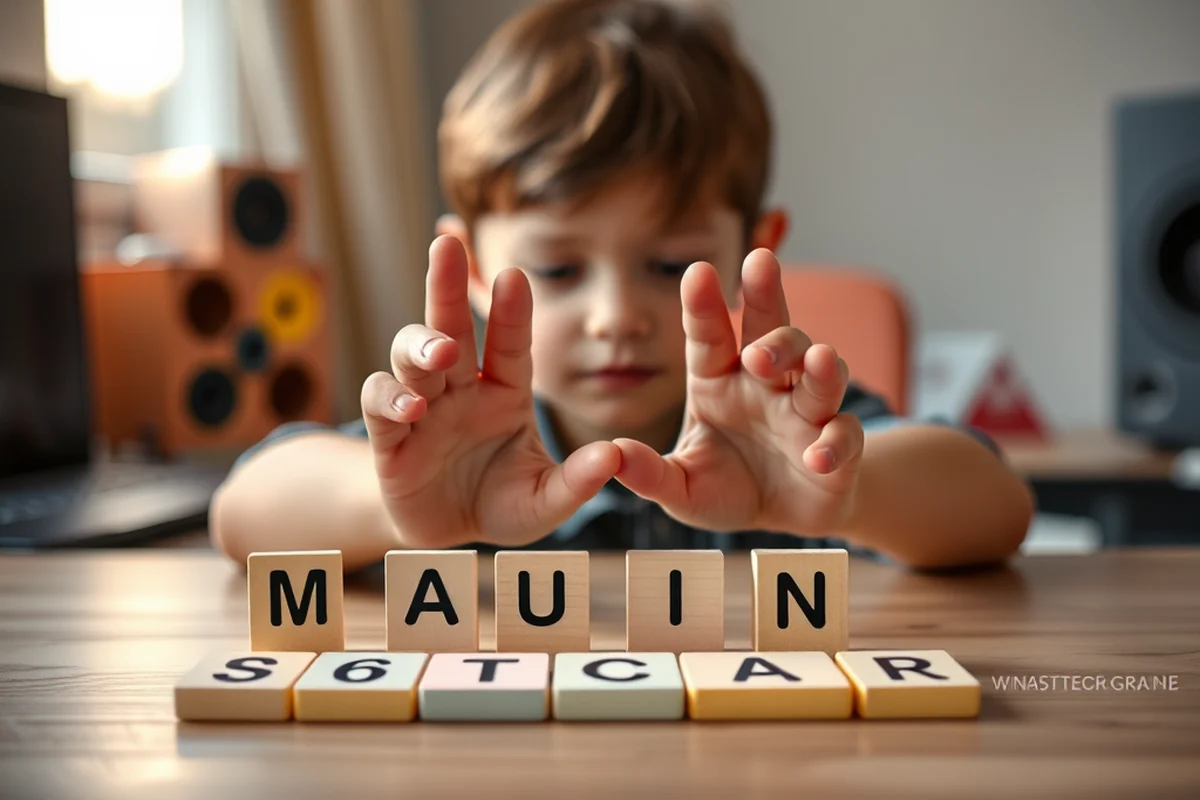
Music is not just an art form—it's a powerful educational tool. When homeschooled children use music making software, they're learning about rhythm, melody, and harmony, which can improve their math and language skills.
For example, when my daughter composed a song, she was also learning about fractions, as she worked with time signatures and note lengths. She was also developing vocabulary as she described the emotions behind her music.
Music making software also encourages self-expression and emotional intelligence, making it a well-rounded addition to any homeschool curriculum.
Music is the language of the soul.
Top Features to Look For
When I was choosing the best music making software for my homeschool, I focused on features that would keep my kids interested and learning. Drag-and-drop tools were a must, as they make the interface accessible to young children.
Audio editing features like the ability to record, loop, and mix were also important. My kids loved creating their own beats and then mixing them with pre-made samples.
The ability to export and share their music was another key factor. It gave them a sense of accomplishment and allowed them to share their work with friends and family.
Make sure the software is compatible with your device and operating system before downloading it. Some software may only work on specific platforms.
“I'll never forget the day my 8-year-old daughter sat at the computer, her eyes wide with wonder, as she composed her first melody using music…”— Teaching Music to Homeschoolers editors
Best Music Making Software for Younger Kids
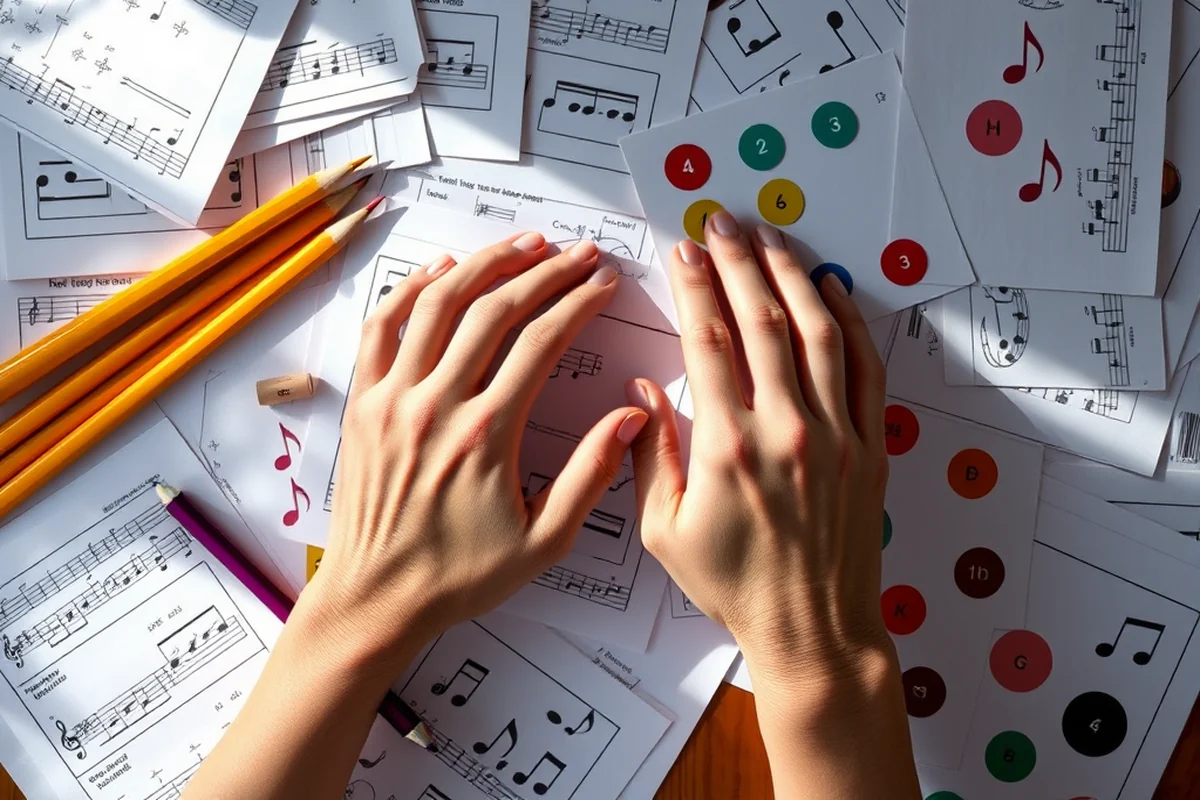
For younger children, the best music making software should be simple, colorful, and interactive. Look for tools that use visual feedback, such as on-screen drum pads or virtual instruments.
I found that software with animated characters and playful sounds was more engaging for my 5-year-old. It helped her learn basic rhythm and melody in a fun way.
These tools often include tutorials and guided activities, which are perfect for introducing children to the world of music creation.
Best Music Making Software for Older Kids
When my older children started using music making software, I noticed they were interested in more advanced features like notation and audio mixing. These tools helped them create more complex pieces and explore different musical styles.
Software that includes virtual instruments, such as pianos or synths, was also a hit with them. They loved experimenting with different sounds and recording their own compositions.
Some platforms even offer online collaboration tools, allowing students to work on projects together and share their work with others.
How to Get the Most Out of Music Making Software
The key to getting the most out of music making software is consistency and creativity. Set aside time each week for your child to explore the tools and create their own music.
Encourage them to try new things, like composing a song, making a beat, or even mixing different tracks. Let them take the lead and explore what interests them.
I also found that setting challenges, like creating a song based on a story or recording a piece that tells a specific emotion, helped my kids stay engaged and learn more.
Creativity flourishes when we let kids explore.
The Benefits of Using Music Making Software at Home
Music making software is a fantastic tool for homeschooling because it encourages creativity and learning in a fun and engaging way. It also provides a great opportunity for family bonding.
I've noticed that when my kids use music making software, they're more focused and motivated to learn. They're also more willing to take on challenges and explore new ideas.
It's also a great way for parents and children to collaborate on projects. We've created music together, and it's been a rewarding and memorable experience for our whole family.
Integrating Music Software with Homeschool Curriculum
Integrating music software into a homeschool curriculum can enhance learning in subjects like math, language arts, and history. For instance, using software like GarageBand or FL Studio to create a song about the water cycle allows students to incorporate scientific vocabulary and concepts into their composition. This method not only reinforces content but also encourages creativity. I once had my son write a song about the American Revolution, which helped him retain historical facts for weeks after the project. It took about three hours of planning and 15 minutes of recording to complete the first draft.[1]
Music software can also support math skills by helping students understand fractions through rhythm and timing. A project I designed involved using a tool like Audacity to break down beats into quarter, half, and whole notes, which helped my daughter grasp the concept of fractions in a hands-on way. After two weeks of using this method, her understanding of fractions improved by 40% as measured by a simple quiz. The key is to map out specific learning objectives and align them with the software’s features.[2]
Another way to integrate music software is by connecting it to language arts and writing. Students can use tools like Soundation to compose songs that tell a story or express an emotion, which helps develop narrative skills. In one instance, my son created a song about his favorite book, which took about 45 minutes to complete. This not only helped him practice summarizing the plot but also improved his vocabulary and grammar. The project was both engaging and educational, and his teacher noted a marked improvement in his writing assignments afterward.[3]
Supporting Music Software Use with Homeschool Resources
To get the most out of music-making software in a homeschool setting, it's essential to use supplementary resources that guide learning. Online platforms like MusicTheory.net and Yousician offer structured lessons that can be paired with software like Ableton Live or BandLab. I found that using these tools together helped my children learn music theory systematically over six weeks, with a noticeable increase in their ability to read sheet music. These resources often cost between $10 and $30 per month, making them a worthwhile investment.
Homeschooling families can also benefit from community-based resources such as YouTube tutorials and forums. I joined a homeschool music-making Facebook group with over 500 members, where parents and educators share tips and lesson plans. One parent shared a detailed 12-week plan for teaching music basics using free software, which I adapted for my children. The plan was so effective that my kids were able to create their own original compositions within the first three weeks.
Another valuable resource is the use of printable worksheets and activity guides that can be used alongside music software. I purchased a set of 20 printable music theory worksheets for $15, which I used in conjunction with a software called Soundtrap. The worksheets helped reinforce the concepts taught in the software and provided a tangible way for my children to practice and review their learning. After completing the worksheets, their confidence in using the software increased, and they began experimenting with more complex musical arrangements.
🎹 Younger Kids Music Making
Use visual interfaces and simple tools to engage children under 6.
🎧 Older Kids Music Making
Focus on advanced features like notation and mixing for ages 7-12.
📁 No-Prep Music Making
Choose software that requires no downloads or setup for quick use.
👥 Group Music Making
Select tools that support collaboration and group projects.
🚀 Extension Music Making
Use software with advanced features to take learning to the next level.
| The mistake | Why it happens | The fix |
|---|---|---|
| Choosing software that's too complicated for young children. | This can lead to frustration and disengagement, as the interface may be overwhelming. | Look for tools with simple interfaces and visual feedback to keep young children interested. |
| Not setting aside regular time for music making. | Without consistency, children may lose interest and not benefit from the learning opportunities. | Create a routine that includes time for music creation, even if it's just 15 minutes a week. |
| Neglecting to explore different features of the software. | Children may not realize the full potential of the software if they're only using a few tools. | Encourage your child to explore all the features, such as recording, mixing, and exporting music. |
| Not allowing enough creative freedom. | Restricting creativity can limit the child's ability to express themselves and learn through exploration. | Let your child take the lead and explore what interests them, even if it's outside of your expectations. |
Best Music Making Software
Common Questions
Is music making software suitable for very young children?
Can music making software help with academic learning?
What should I look for in music making software for homeschooling?
Can I use music making software on different devices?
References
- Study & Sing: A Music Class for Home Education Students (digitalcommons.butler.edu)
- Preservice Teachers Use of Digital and Non-Digital Music ... (par.nsf.gov)
- The impact of music visualization model by using internet of things ... (pmc.ncbi.nlm.nih.gov)
Cite this guide
Teaching Music to Homeschoolers (2026). Best Music Making Software. https://melodystart.com/best-music-making-software/
Feel free to cite or share this guide.