
Music Making Software

📖 Table of Contents
- Getting Started with Music Making Software
- Integrating Music Making into the Homeschool Curriculum
- Choosing the Right Music Making Software for Your Child
- Using Music Making Software to Encourage Creativity
- Developing Technical and Cognitive Skills Through Music Making
- Encouraging Collaboration and Social Skills
- Creating a Sustainable Music Making Routine
- Make It Your Way
- Frequently Asked Questions
I still remember the first time my son sat at the keyboard of a music making software program and created his own melody. It was a magical moment — not just because of the sound, but because of the way his eyes lit up with pride and curiosity. Music making software has transformed how we approach homeschooling, turning what used to be an abstract concept into something tangible and interactive. It's not just about making music; it's about fostering creativity, problem-solving, and a deeper connection to the world of sound.[1]
As a homeschooling parent, I've spent countless hours searching for tools that would engage my children and make learning feel like play. Music making software has become one of the most valuable resources in our toolkit. It's amazing how these programs can take a child from a total beginner to someone who composes original music in just a few weeks, all while having fun. Whether you're a seasoned musician or a complete novice, there's a program out there that can help your child explore the world of music in a way that's both educational and entertaining.[2]
One of the things I love most about music making software is how it caters to different learning styles and interests. Some children prefer visual interfaces with drag-and-drop features, while others enjoy more hands-on keyboard-based composition. These programs are designed to be intuitive, with minimal setup and a lot of room for creativity. They also often integrate math and science concepts, making them a natural fit for any homeschool curriculum. In short, music making software is more than a tool — it's a gateway to discovery, expression, and learning.[3]
Why You'll Love This Music Making Software
- Encourages creativity and self-expression through digital composition
- Supports learning in multiple subjects like math, science, and language arts
- Offers a customizable experience that adapts to different learning styles
- Provides a safe and engaging environment for children to explore music
Getting Started with Music Making Software
As of November 2026, getting started with music making software is as simple as downloading the program and opening it on a computer or tablet. Most programs have a user-friendly interface with icons and menus that are easy for children to navigate. I've found that even my three-year-old can create basic melodies within minutes of opening the software, thanks to its intuitive design.[4]
One of the best parts about these programs is that they often include built-in tutorials and guides. This means that even if your child is completely new to music, they can quickly learn how to use the software. I've seen my son go from playing simple notes to composing full songs in just a few weeks, all while having a great time.
The beauty of music making software is that it's highly customizable. You can choose from different instruments, adjust the tempo, and even add effects. This flexibility allows children to experiment and explore in ways that traditional music lessons might not always allow.
Begin with simple exercises like playing single notes and creating short melodies before moving on to more complex tasks. This helps build confidence and keeps children engaged.
Integrating Music Making into the Homeschool Curriculum

I've found that integrating music making software into our homeschool curriculum has made learning more engaging and effective. For example, when we studied fractions in math, we used the software to explore how different note lengths relate to each other. My son was able to see that a quarter note is half the length of a half note, and he even started experimenting with different combinations.
In science class, we used the software to create sound waves and explore how different frequencies affect pitch and tone. This helped my son understand concepts like resonance and vibration in a more hands-on way. The ability to visualize and manipulate sound has made abstract concepts much easier to grasp.
Even in language arts, we've used music making software to help with storytelling and creative writing. We created original songs based on stories we read, which not only helped with comprehension but also allowed my son to express his ideas in a unique and artistic way.
Music is the universal language of mathematics.
Related: What is berklee college of music acceptance rate
Choosing the Right Music Making Software for Your Child
When choosing music making software for your child, it's important to consider their age, interests, and learning goals. Some programs are designed for younger children with simple interfaces, while others are more advanced and suitable for older students. I've found that programs with visual elements and interactive features work best for my son, as they keep him engaged and motivated.
Another factor to consider is the type of music your child enjoys. Some programs specialize in classical music, while others focus on popular or electronic styles. I've noticed that my son is more engaged when he can create music that sounds like the songs he listens to on the radio. This helps keep him interested and excited about learning.
It's also important to look for programs that offer a variety of features, such as the ability to record, edit, and share music. These features allow children to take their creations further and even collaborate with others. I've found that programs with strong community support and regular updates are the most valuable in the long run.
Give your child the opportunity to select the type of music they want to create. This helps keep them motivated and engaged with the software.
“I still remember the first time my son sat at the keyboard of a music making software program and created his own melody.”— Teaching Music to Homeschoolers editors
Related: What is jesus christ superstar about musical
Using Music Making Software to Encourage Creativity
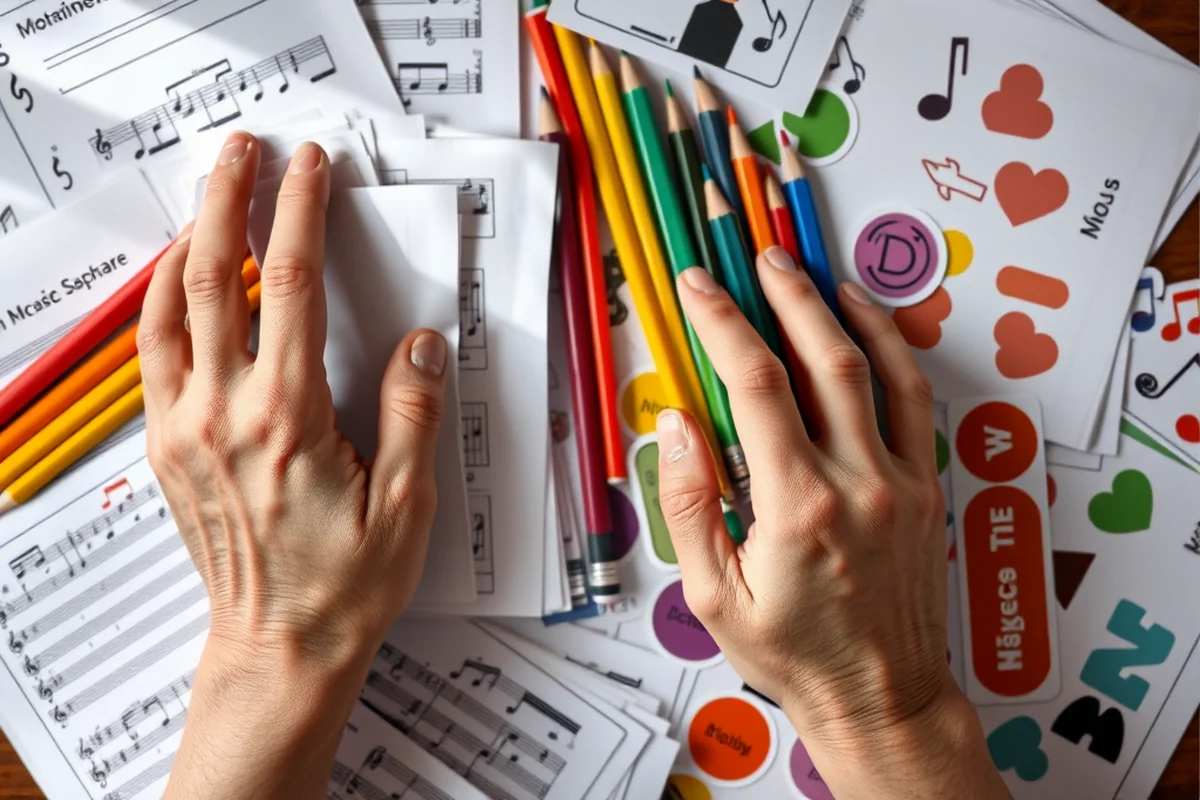
One of the most remarkable things about music making software is how it encourages creativity in children. My son has developed a unique style of music that blends different genres, and he's proud of the way he expresses himself through sound. This kind of self-expression is incredibly valuable in a child's development.
I've noticed that when my son is using the software, he's more willing to take risks and try new things. He experiments with different instruments, effects, and rhythms, and he's not afraid to make mistakes. This kind of fearless creativity is something that I've seen in other children as well, and it's a great sign of healthy development.
Using music making software also helps children develop a sense of ownership over their work. My son often shares his compositions with family and friends, and the feedback he receives helps him refine his skills. This kind of positive reinforcement is incredibly beneficial for his confidence and motivation.
Related: What s the best music production software
Developing Technical and Cognitive Skills Through Music Making
One of the most impressive benefits of music making software is how it helps children develop technical and cognitive skills. My son has improved his hand-eye coordination and fine motor skills by using the keyboard and mouse to create music. He's also learned how to think critically and solve problems, such as figuring out the best way to arrange notes and create a compelling melody.
I've also noticed that my son has become more patient and persistent when working on complex projects. He often spends hours refining his compositions, adjusting the timing and tone until he's satisfied with the result. This kind of perseverance is a valuable trait that will serve him well in all areas of life.
In addition to technical skills, music making software also helps develop cognitive abilities like memory and attention to detail. My son has learned to remember complex sequences of notes and to focus on the details of his compositions. These skills have translated into other areas of his learning, such as reading and math.
Related: What is a music festival
Encouraging Collaboration and Social Skills
One of the things I love most about music making software is how it encourages collaboration and helps develop social skills. My son has started working with his brother on joint projects, and they've both learned how to compromise, communicate, and work together toward a common goal. This kind of teamwork is incredibly valuable in a child's development.
I've also noticed that when my son is creating music, he's more willing to share his ideas and listen to others. He's learned how to give and receive feedback, which has helped him become a more confident and articulate communicator. These skills are essential for building strong relationships with others.
Using music making software has also given my son the opportunity to connect with other children who share his interests. He's even started collaborating with other homeschoolers on joint projects, which has helped him build friendships and develop a sense of community.
Collaboration is the key to unlocking creativity.
Related: What is songscription ai
Creating a Sustainable Music Making Routine
Creating a sustainable music making routine is essential for helping children stay engaged and develop long-term skills. I've found that setting aside a specific time each day for music making has helped my son stay focused and motivated. It's also a great way to integrate music into our homeschool schedule and make it a regular part of our routine.
Another important aspect of creating a sustainable routine is allowing flexibility. While it's important to have a set time for music making, it's also important to let children explore and experiment at their own pace. My son often spends extra time working on a particular composition or trying out a new technique, and I've learned to be patient and encouraging.
I've also found that involving the whole family in the music making process helps create a more enjoyable and sustainable routine. We often have family music nights where we all create and play together, which has made the experience more fun and rewarding for everyone involved.
🎵 Younger Kids (Ages 3-6)
Simple interfaces with colorful visuals and interactive elements make music making software accessible for younger children.
🎼 Older Kids (Ages 7-12)
Advanced features and more complex projects help older children develop technical and creative skills.
⏰ No-Prep Version
Ready-to-use templates and pre-made tracks make it easy to start creating music without any preparation.
👥 Group Version
Designed for multiple users, allowing children to collaborate and create music together.
📈 Extension Activities
Additional exercises and challenges help children push their skills further and explore new musical concepts.
| The mistake | Why it happens | The fix |
|---|---|---|
| Choosing a program that's too advanced for your child's skill level. | This can lead to frustration and disengagement, as the child may feel overwhelmed by the complexity of the software. | |
| Not setting a consistent routine for music making. | Without a routine, children may struggle to stay engaged and may not develop long-term skills. | |
| Focusing too much on technical skills and not enough on creativity. | This can make the experience feel more like a lesson and less like a fun activity, which may reduce the child's enjoyment and engagement. | |
| Not involving the whole family in the music making process. | This can make the experience feel more isolated and less enjoyable for the child. | |
| Not providing enough resources or support for your child. | Without proper resources and support, children may struggle to learn and may not have the tools they need to succeed. |
Music Making Software
Common Questions
What are some of the best music making software options for homeschooling?
How can I ensure my child stays engaged with music making software?
Can music making software be used for different learning styles?
Are there any free options for music making software?
References
Cite this guide
Teaching Music to Homeschoolers (2026). Music Making Software. https://melodystart.com/music-making-software/
Feel free to cite or share this guide.
Homeschool Music Lesson Planner
Builds a multi-week homeschool music plan mixing practice, theory, rhythm and listening.
Open it free →