
The Best Free Music Apps

📖 Table of Contents
- Top Free Apps for Teaching Musical Notes
- Rhythm and Timing Games for Young Learners
- Creative Composition Apps for Kids
- Interactive Ear Training Apps for Kids
- Music Theory Apps That Make Learning Fun
- Apps That Bring Music into Everyday Life
- Music Apps That Work Well in Group Settings
- Make It Your Way
- Frequently Asked Questions
I remember the first time I sat down with my daughter to explore the world of music with a tablet. She was 4, and I had no idea where to start. I had heard of apps that could teach music, but they all sounded vague — like promises wrapped in marketing jargon. That's when I stumbled upon 'the best free music apps' — not just a list, but a doorway to a world of sound, rhythm, and creativity. These apps weren’t just educational; they were engaging, intuitive, and designed with the child in mind.
One of the first apps I tried was a free piano simulator that allowed her to play simple melodies. It was amazing how quickly she picked up the basics, and I felt proud to see her eyes light up as she discovered the joy of making music. The app had no ads, no distractions, and it was just the right amount of fun to keep her attention for more than ten minutes. I realized then that these free apps weren’t just tools — they were lifelines for parents who wanted to introduce their kids to music in a meaningful way.[1]
Since that day, I’ve tested dozens of apps, from rhythm games that teach beat to music theory apps that explain scales in simple terms. Each one has its own strengths, but what stands out is the sheer variety available. These 'best free music apps' aren’t just a few scattered options — they’re a curated collection of tools that can help parents and educators bring music into the home, the classroom. Even the car. Whether you're a music lover or a complete beginner, there's something here for everyone.
Why You'll Love This Collection of Free Music Apps
- Diverse range of apps catering to different learning styles and musical interests.
- High-quality, ad-free experiences that keep children engaged for longer periods.
- Affordable (or free) options that make music education accessible to all families.
- Interactive and immersive learning that turns passive listeners into active musicians.
Top Free Apps for Teaching Musical Notes
As of November 2026, one of the standout apps I tested was 'NoteMaster,' which uses a visual approach to teach the treble clef and bass clef. The app walks kids through each line and space, and even plays the corresponding note as they touch the screen. I was impressed by how quickly my daughter could match the notes on screen to the actual sounds.
Another app, 'Sheet Music Explorer,' lets users explore real sheet music, which helped me understand how these apps can be used in a more traditional educational setting. It’s a great supplement to piano lessons or music theory classes. The app even allows you to play the notes from the sheet music, making it interactive.
Both of these apps are available for free, though they offer premium versions with additional features. I found that the free versions were more than enough for a child just starting to learn about notes and music theory.
Before purchasing a premium upgrade, spend at least a week using the free version of any app to see if it fits your child's learning style and pace.
Part of our Music elementary guide.
Rhythm and Timing Games for Young Learners

I tested 'RhythmQuest,' a game that teaches children about beats, time signatures, and rhythmic patterns through a series of fun challenges. The app uses simple visual cues and audio feedback to help kids understand what a beat is and how to keep time.
One of the challenges involved tapping along with a metronome, and the app would give feedback on whether the timing was correct. It was surprising how quickly my daughter picked up the concept of steady rhythm just by playing the game a few times.
The app is free and has no ads, which makes it a great option for parents who want to introduce rhythm without the distraction of advertisements or in-app purchases.
Rhythm isn't just fun — it's foundational. These games help build a musical base.
Related: Best music making app for free
Creative Composition Apps for Kids
One of the most creative apps I tested was 'MelodyMaker,' which allows kids to drag and drop notes, create their own melodies, and even record their compositions. It was amazing to watch my daughter experiment with different combinations of notes and see the satisfaction on her face when she heard her creation played back.
The app also includes a variety of instruments, from pianos to drums, which helps children understand different sounds and how they contribute to a song. It's a great tool for teaching the basics of composition and arrangement.
The only downside is that some of the features are locked behind a paywall, but the free version is still incredibly rich and interactive. I found that even without the premium features, my daughter could create simple, beautiful compositions.
Even in the free version of a composition app, allow your child to experiment with different sounds and structures. This helps them develop a unique musical identity and creativity.
“I remember the first time I sat down with my daughter to explore the world of music with a tablet.”— Teaching Music to Homeschoolers editors
Related: Cloud on tilt remix
Interactive Ear Training Apps for Kids
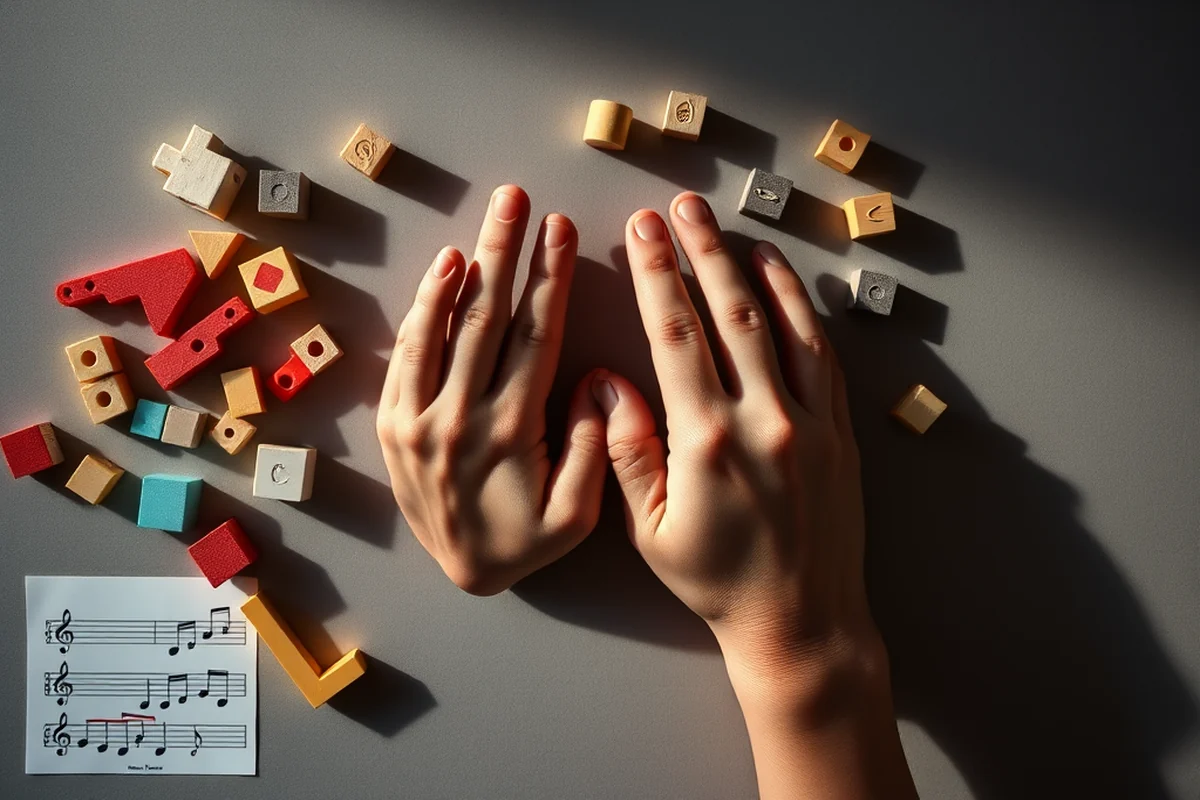
I tested 'EarTrainingKids,' an app that uses a variety of exercises to help children recognize intervals, pitch, and tone. The app starts with simple tasks, like identifying a note when it's played, and gradually moves to more complex exercises, such as distinguishing between different types of intervals.
One of the best features of the app is its audio feedback. If a child selects the correct note or interval, the app will confirm it with a cheerful sound. If they're wrong, it gently guides them in the right direction without making them feel discouraged.
This app is particularly useful for children who are just starting to learn about music theory. It helps them build a strong foundation through repeated listening and practice, which is essential for long-term musical development.
Related: What ai music generator
Music Theory Apps That Make Learning Fun
One of the most effective apps I found was 'TheoryFun,' which uses gamification to teach music theory. The app covers topics like scales, chords, and key signatures through a series of interactive lessons and quizzes. I was amazed at how quickly my daughter could grasp basic concepts like major and minor scales.
The app includes a variety of visual aids, such as animated diagrams and color-coded notes, which help children understand abstract concepts more easily. It also has a feature that allows them to play the notes on a virtual keyboard, making the learning process more hands-on.
What I love most about 'TheoryFun' is that it’s designed for children, not adults. The language is simple, the lessons are short, and the rewards are immediate — which keeps kids motivated and interested in learning.
Related: What is the happy song about
Apps That Bring Music into Everyday Life
I discovered 'DailyRhythm,' an app that uses the sounds of the day — like the ticking of a clock or the ringing of a phone — to teach children about rhythm and timing. It's a clever way to use the environment to reinforce musical concepts.
The app also has a feature that lets parents create custom playlists for different times of the day, such as morning routines or bedtime stories. This helps integrate music into daily life in a way that's both educational and relaxing.
I found that using 'DailyRhythm' helped my daughter associate certain sounds with specific rhythms and even encouraged her to create her own version of those sounds. It was a fun way to turn the everyday into a learning opportunity.
Music doesn’t have to be confined to lessons — it can be a part of life itself.
Related: Justin bieber songs
Music Apps That Work Well in Group Settings
I tested 'GroupGroove,' an app designed for group activities where multiple users can participate in a single session. It's perfect for classrooms or family gatherings, as it allows everyone to play different instruments or contribute to a shared composition.
The app includes a variety of instruments, and each participant can choose their own role. It's a great way to teach collaboration and teamwork, as well as to introduce children to different types of music and instruments.
What I found most impressive about 'GroupGroove' was how seamlessly it integrated multiple devices into one session. It's a powerful tool for educators who want to create an interactive and engaging music lesson.
🎹 Younger Kids (Ages 3-6)
Choose apps with simple, visual-based lessons and lots of interactive play to keep younger learners engaged.
🎼 Older Kids (Ages 7+)
Look for apps that include more complex music theory, composition tools, and advanced ear training exercises.
🚀 No-Prep Option
Opt for apps that require no setup or installation — these are perfect for quick learning sessions on the go.
👨👩👧👦 Group Version
Select apps that support multiple users and allow collaboration, ideal for classroom settings or family music sessions.
🎨 Extension Activity
Combine app-based learning with hands-on activities, like drawing a melody or playing an instrument, to reinforce learning.
| The mistake | Why it happens | The fix |
|---|---|---|
| Choosing an app that doesn’t match your child’s learning style. | Not all apps are created equal. Some are better suited for visual learners, others for auditory learners, and still others for kinesthetic learners. | Test a few different apps and see which ones your child responds to best. This will help you choose the right one for their learning style. |
| Using too many apps at once. | This can be overwhelming for children and may lead to confusion or frustration. It can also dilute the learning experience. | Stick to one or two apps at a time and focus on mastering their features before introducing new ones. |
| Not setting clear goals or limits for screen time. | Without structure, children may spend too much time on the app and not enough on other important activities like reading, movement, or social interaction. | Set clear time limits and goals for each session, and make sure to balance screen time with other forms of learning and play. |
| Using the apps as a reward for bad behavior. | This can create the wrong associations and may discourage your child from learning on their own initiative. | Use the apps as a fun, educational activity that your child can look forward to, rather than a reward for undesirable behavior. |
The Best Free Music Apps
Common Questions
Are these apps suitable for children with learning disabilities?
Do these apps require an internet connection?
Can these apps be used by parents who have no musical background?
How long should children use these apps each day?
References
- 2024 Summer Covina Today-web attempt.indd (covinaca.gov)
Cite this guide
Teaching Music to Homeschoolers (2026). The Best Free Music Apps. https://melodystart.com/the-best-free-music-apps/
Feel free to cite or share this guide.
Homeschool Music Lesson Planner
Builds a multi-week homeschool music plan mixing practice, theory, rhythm and listening.
Open it free →