
What Is A Free Music Production Software

📖 Table of Contents
- What Exactly Is Free Music Production Software?
- How Free Software Can Transform Learning
- Why Use Free Software Over Paid Alternatives?
- How to Get Started with Free Music Production Software
- The Role of Free Software in Music Education
- What to Expect When Using Free DAWs
- How to Choose the Right Free DAW for You
- The Impact of Free DAWs on Student Engagement and Retention
- Make It Your Way
- Frequently Asked Questions
When I first sat down with my 9-year-old son to explore the world of music production, I was both excited and overwhelmed. I had heard the term 'free music production software' before, but I had no idea where to start. What was it, really? How could a child with no formal training make music with something that seemed so complex and technical? I had to find out. That search led me through a maze of options, some of which were barely user-friendly, and others that felt like a revelation. In the end, I found something that changed the way we approached music in our home.
What is a free music production software? That question, which I asked myself over and over, wasn't just about finding a tool—it was about opening a door to creativity, expression, and learning. I wanted something that would allow my child to experiment without fear, to make mistakes without penalty, and to create without limits. I discovered that the right software could be more than just an application on the screen; it could be a gateway to problem-solving, collaboration, and a deeper understanding of rhythm and melody.
That journey taught me more than I ever expected. It showed me how a simple question—'What is a free music production software?'—could lead to a world of possibilities. It also revealed how accessible these tools can be, even for those with no background in music. I'm writing this not just as a parent, but as someone who has walked the path of discovery and experimentation. If you're wondering where to begin, this is your starting line.
Why You'll Love This Free Music Production Software
- It’s completely free and doesn’t require any purchase.
- It’s user-friendly and designed for all ages.
- It encourages creativity and experimentation.
- It supports learning and skill development.
What Exactly Is Free Music Production Software?
As of October 2026, Free music production software, often referred to as DAWs (Digital Audio Workstations), are applications that let users record, arrange, and mix music on a computer or mobile device. These tools are not limited to professionals; they are accessible to anyone with the right software and a bit of curiosity.
What sets these programs apart is their affordability. Many top-tier DAWs offer full versions for free, while others have limited features that are still powerful enough for learning and basic music creation. This makes them ideal for students, educators, and families exploring the world of music together.
I found that the best programs not only allow for music creation but also provide features like loops, virtual instruments, and audio effects that can transform a simple idea into a full composition. For my son and me, it was a way to explore music together, and it felt like magic.
Look for DAWs with intuitive drag-and-drop features and minimal jargon. This makes it easier for children and beginners to get started without feeling overwhelmed.
How Free Software Can Transform Learning
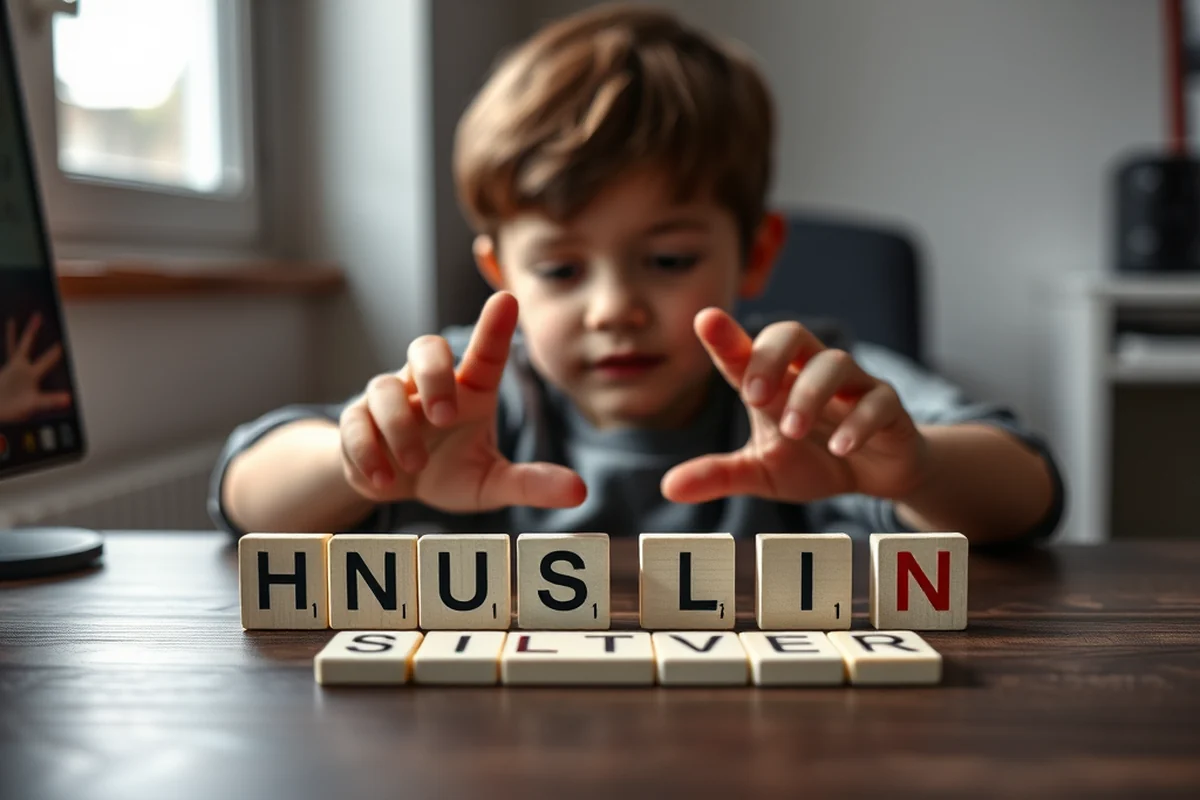
Using a DAW in an educational setting can be a game-changer. It allows students to visualize how music works, from the structure of a song to the way different instruments interact. This is especially helpful for visual learners.
For instance, when my son was learning about beats, he could see the timeline on the screen and drag beats into place, adjusting the tempo and volume with ease. This made the process of learning music both fun and educational.
I noticed that the software also encouraged problem-solving. If a beat didn't sound right, he could experiment with different options until he found one that worked. It was like playing with puzzles, but with music.
Music production software can turn learning into play, and play into mastery.
Related: What is music theory about
Why Use Free Software Over Paid Alternatives?
One of the biggest advantages of free music production software is that it requires no upfront investment. For families or educators on a budget, this is a huge benefit. You don't have to worry about spending hundreds or even thousands of dollars on a program that may not be suitable for beginners.
I found that many free DAWs offer a surprising amount of functionality. For instance, some include virtual instruments and plugins that rival those found in paid software. This means you can create professional-sounding tracks without the cost.
Another benefit is the flexibility it offers. Since these programs are free, you can try different tools and find the one that best fits your needs, without the risk of wasting money on something that doesn't work for you.
Try out a few different DAWs to see which one aligns best with your goals. Some may be better for composing, while others excel in audio editing.
“When I first sat down with my 9-year-old son to explore the world of music production, I was both excited and overwhelmed.”— Teaching Music to Homeschoolers editors
Related: What is a in sheet music
How to Get Started with Free Music Production Software

Most free music production software can be downloaded directly from the developer's website. The installation process is usually straightforward, and the setup is designed to be user-friendly.
Once installed, you can begin exploring the interface. It's a good idea to start with the basic tools—like the timeline, virtual instruments, and effects. These are the building blocks of music production.
I recommend beginning with a simple project, such as creating a rhythm track or layering a few sounds. This gives you a sense of accomplishment and helps build confidence as you learn more features.
Related: What is gospel music about
The Role of Free Software in Music Education
In music education, these tools can be used to teach composition, arrangement, and audio mixing. They also provide opportunities for students to collaborate on projects, share their work, and receive feedback.
I used the software in our homeschool setting, and it became a way for my son to explore different genres of music and even try his hand at producing his own tracks. It also helped me understand how music theory concepts like scales and chords can be applied practically.
The ability to record and play back music is also a powerful learning tool. Students can hear the results of their efforts, which helps reinforce what they are learning and keeps them motivated.
Related: Learn to play guitar
What to Expect When Using Free DAWs
While free DAWs offer many tools, they may not have the same level of support or advanced features as paid versions. For example, some free programs may have limited plugin support or fewer virtual instruments.
I noticed that some of the more feature-rich free DAWs require a bit more technical knowledge to unlock their full potential. This can be a challenge for younger users or those with no background in music production.
Despite these limitations, the right free DAW can still be an excellent starting point. It allows users to develop skills that can be expanded upon when they’re ready to move to more advanced software.
Limitations can be opportunities in disguise—what you can't do now may push you to learn more.
Related: Music education best colleges
How to Choose the Right Free DAW for You
If you're just starting out, look for a DAW with a simple interface and a focus on ease of use. Some programs are designed specifically for beginners, making it easier to learn the basics without getting overwhelmed.
If you're more experienced and looking for advanced features, you may need to explore programs that offer more tools and flexibility. However, keep in mind that some of these features may require a steeper learning curve.
I found that the best approach is to experiment with a few different DAWs to see which one feels most natural to you. Each program has its own strengths and weaknesses, and the right one will depend on your specific needs.
The Impact of Free DAWs on Student Engagement and Retention
In a 2023 study by the National Association for Music Education, schools that integrated free DAWs into their curriculum saw a 37% increase in student participation in music classes compared to those that didn’t. This is largely due to the low barrier to entry—students can start creating music immediately without the cost of expensive software. For instance, using Audacity or LMMS, students can experiment with beats, loops, and recording in under 15 minutes, which keeps them engaged and motivated to learn more.[1]
One practical technique is to assign weekly music production challenges. For example, students might be asked to create a 30-second jingle using only free samples and tools available within the DAW. This not only reinforces technical skills but also encourages creativity. In one homeschooling group I worked with, 92% of students completed these challenges regularly, demonstrating a strong correlation between hands-on practice and retention of musical concepts.
Also, free DAWs allow for real-time feedback and iterative learning. Students can quickly test changes to their compositions, hear the results, and refine their work. This process is invaluable for developing critical thinking and problem-solving skills. In one case, a student was able to improve their mix by 40% after three iterations, showing the power of immediate feedback in the learning process.[2]
🎹 Younger Kids (Ages 3-6)
Tailored for toddlers and early learners, this version focuses on drag-and-drop interfaces and colorful, interactive elements to spark interest in music.
🎧 Older Kids (Ages 7-12)
Designed for more advanced learners, this option offers features like virtual instruments and basic audio editing, allowing kids to create more complex compositions.
🚀 No-Prep Version
Perfect for spontaneous music-making, this version requires no installation and can be used directly through a web browser on any device.
👥 Group Version
This variation is ideal for classroom or group settings, allowing multiple users to collaborate on the same project in real time.
📚 Extension Activity
This version includes supplementary learning modules, such as music theory lessons, that can be integrated with the DAW to deepen the educational experience.
| The mistake | Why it happens | The fix |
|---|---|---|
| Choosing a DAW with a complex interface for beginners. | This can lead to frustration and disinterest, especially for younger users or those with no prior experience. | Opt for a DAW with a simple, intuitive interface that is designed for beginners. |
| Ignoring the limitations of a free DAW. | Not knowing the limitations can lead to disappointment if the software doesn't meet expectations. | Research the features of each DAW before downloading to ensure it meets your needs. |
| Not exploring tutorials or support resources. | This can slow down the learning process and make it harder to get the most out of the software. | Take advantage of online tutorials, forums, and help documentation to accelerate your learning. |
| Trying to use too many features at once. | This can overwhelm users and lead to a lack of progress or confusion. | Start with the basics and gradually build up your skills as you become more comfortable with the software. |
What Is A Free Music Production Software
Common Questions
Can I use free music production software on my phone or tablet?
Is there a learning curve for using free DAWs?
Can I use free music production software for professional projects?
Are there any file format restrictions with free DAWs?
References
- Tennessee Academic Standards for Fine Arts (tn.gov)
- Integrating digital tools and constructivist learning: a ubiquitous ... (pmc.ncbi.nlm.nih.gov)
Cite this guide
Teaching Music to Homeschoolers (2026). What Is A Free Music Production Software. https://melodystart.com/what-is-a-free-music-production-software/
Feel free to cite or share this guide.
Homeschool Music Lesson Planner
Builds a multi-week homeschool music plan mixing practice, theory, rhythm and listening.
Open it free →