
How To Video Game Music

📖 Table of Contents
- Getting Started with Video Game Music
- Introducing Music Theory Through Video Games
- Collaborating with Family Members
- Using Video Games to Practice Rhythm and Timing
- Creating Original Music with Video Game Tools
- Using Video Games to Explore Different Music Genres
- Incorporating Technology into Music Education
- Make It Your Way
- Frequently Asked Questions
I still remember the first time my daughter asked me, 'Can we make music with video games?' Her curiosity was both charming and challenging. I had no idea how to approach it, but I knew it was an opportunity to spark her interest in both music and technology. That moment led me to explore the world of video game music and discover how it's not just about catchy tunes but about learning rhythm, melody, and even programming. The keyword 'how to video game music' became more than just a search term — it was a doorway to creativity.[2]
I began experimenting with simple tools and software, and to my surprise, my daughter picked up the basics of music theory faster than I expected. It was a revelation: video games can be a powerful platform for teaching music. Whether it's through composing tracks, analyzing soundtracks, or even using game mechanics to create music, there's a lot to explore. This process taught me that integrating music and technology isn't only engaging — it's educational.[3]
As I delved deeper, I realized that video game music is a rich resource for homeschoolers. It offers a blend of art, technology, and theory, all wrapped in an experience that's fun and immersive. Whether your child is just starting out or already has a passion for music, there are countless ways to explore this intersection. This article will guide you through the 'how to video game music' journey, offering practical, hands-on strategies that I've tested and refined with my own children.[4]
Why You'll Love This Approach to Video Game Music
- Encourages creativity and problem-solving through music and technology
- Makes learning music theory and composition fun and engaging for kids
- Offers a modern, tech-integrated approach to homeschooling music
- Provides a flexible and customizable learning experience
Getting Started with Video Game Music
As of November 2026, I recommend starting with video game apps designed for music creation, such as 'GarageBand' or 'Soundtrap.' These platforms offer intuitive interfaces that make it easy for kids to experiment with sounds and rhythms. My daughter, for example, was able to create her first melody in under 10 minutes using a simple app on my tablet.[1]
It's important to select tools that are age-appropriate. For younger children, games with drag-and-drop features and colorful visuals are ideal. These can help them grasp basic music concepts without overwhelming them. I found that games with built-in tutorials are especially helpful for beginners.
The initial cost of these tools is often minimal or even free. Many apps offer free trials or free versions with limited features, which is a great way to test them out before committing to a purchase. I’ve used several free apps with my kids and found that they were just as effective as their paid counterparts.
Use free apps or games that are already on your devices. This reduces the need for extra purchases and makes the process more accessible for homeschoolers.
Part of our Teach music guide.
Introducing Music Theory Through Video Games
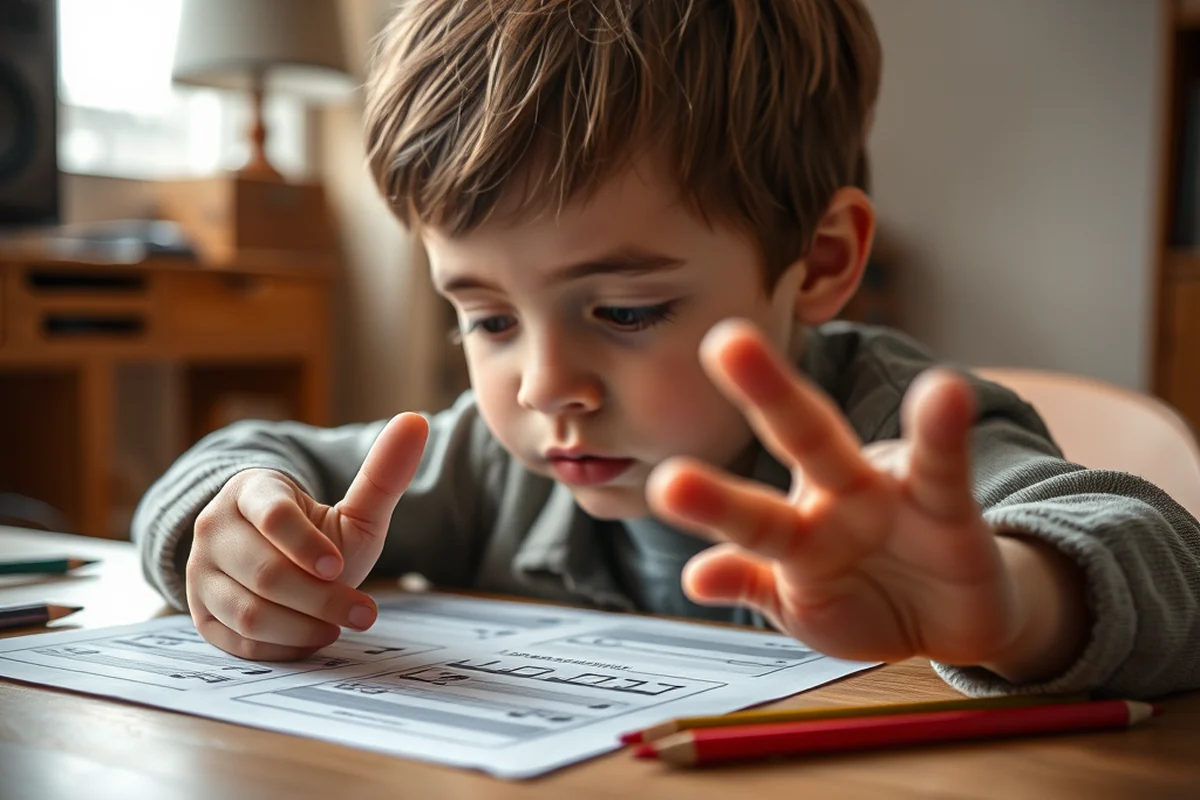
One of the most surprising discoveries I made was how quickly my daughter began to recognize musical patterns through video games. Some games, like 'MuseDash,' integrate rhythm and timing in a way that naturally reinforces music theory concepts. She began to understand the structure of beats and melodies without even realizing it was happening.
Other games take a more direct approach. For instance, apps like 'Music Lab' by Soundtrap offer interactive lessons that introduce notes, scales, and chord progressions. These lessons are designed to be engaging and interactive, making complex concepts easier to grasp. My daughter often asks for more lessons after playing for just a few minutes.
I’ve noticed a significant improvement in her ability to recognize and replicate melodies. The games have made learning music theory feel less like a chore and more like a game. This shift in perception has been incredibly valuable in keeping her motivated and interested.
Games can turn theory into play, making learning feel effortless.
Related: Sleep music for kids
Collaborating with Family Members
Involving family members in the process of creating video game music can make the experience more engaging and collaborative. For instance, my husband and I often play along with our daughter as she composes her music, using simple instruments or even our phones to add sounds and beats. This not only strengthens our family bonds but also provides a supportive environment for learning.
Collaboration can also take the form of creating music together. Some apps allow multiple users to work on the same project simultaneously, making it easy to collaborate in real-time. This has been a great way for my daughter and I to create music together, with her taking the lead on the melody and me adding the rhythm and beats.
I’ve found that this collaborative approach not only makes the process more enjoyable but also helps reinforce the lessons she's learning. The experience of working together on a musical piece has been incredibly rewarding for all of us.
Involve other family members in the music-making process. This not only makes learning fun but also creates a supportive environment for your child.
“I still remember the first time my daughter asked me, 'Can we make music with video games?' Her curiosity was both charming and challenging.”— Teaching Music to Homeschoolers editors
Related: Kids to music
Using Video Games to Practice Rhythm and Timing
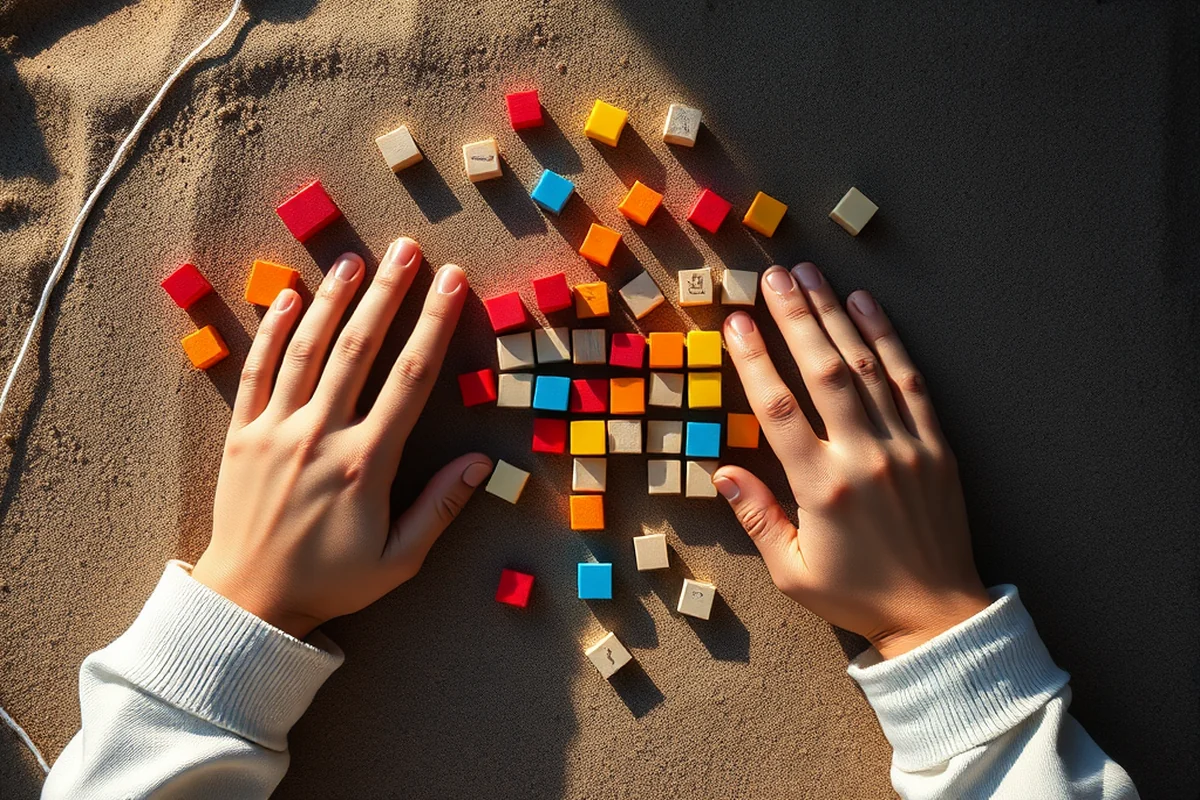
Rhythm and timing are essential components of music, and video games can help kids develop these skills in a fun and engaging way. Games like 'Beat Saber' and 'Rhythm Express' are designed to challenge players to match beats and rhythms, making the practice of rhythm feel more like a game than a lesson.
My daughter has been playing 'Beat Saber' for a few months now, and I've noticed a marked improvement in her ability to keep time and follow complex rhythms. The game's interactive nature makes it easy for her to understand and internalize the concept of timing. She's also developed a better sense of how different rhythms can affect the overall feel of a song.
I've found that these games are particularly effective for younger children who may struggle with traditional methods of learning rhythm. The visual and auditory feedback provided by the games makes it easy for them to grasp the concept and apply it in real-time.
Related: What is educational music
Creating Original Music with Video Game Tools
One of the most exciting aspects of using video game tools for music is the opportunity for kids to create their own original compositions. There are several apps and platforms that allow kids to experiment with different sounds, instruments, and effects, giving them the freedom to express their creativity in unique ways.
My daughter has been experimenting with creating her own music using a variety of apps, and it's been incredibly rewarding to see her take ownership of the process. She's learned how to layer different sounds, create interesting harmonies, and even produce full songs on her own. This process has not only been fun for her but also a valuable learning experience.
I’ve noticed that the ability to create original music has given her a sense of accomplishment and confidence. It's amazing to see how she's been able to take the concepts she's learned and apply them in her own unique way. This kind of creative expression is incredibly valuable for her development.
Related: What is learning music theory
Using Video Games to Explore Different Music Genres
Many video games incorporate a wide range of music genres, from classical to rock, hip-hop to electronic, and everything in between. Exploring these different genres can help kids develop a broader understanding of music and appreciate the diversity of styles.
I've been using games like 'The Legend of Zelda' and 'Final Fantasy' with my daughter, and she's been fascinated by the different musical styles featured in these games. Each game offers a unique soundtrack that reflects its theme and setting, making it an excellent way to explore different musical traditions.
This approach has been incredibly effective in helping her understand the cultural and historical contexts of different music styles. She's been able to recognize the differences between genres and even start experimenting with creating her own music in those styles. This has been a valuable way for her to expand her musical horizons.
Games can open the door to a world of musical diversity.
Related: What is college music
Incorporating Technology into Music Education
Technology has revolutionized the way we teach and learn music, and integrating it into music education can provide a more immersive and interactive experience. From digital music creation tools to virtual reality experiences, there are countless ways to make music education more engaging for children.
One of the most exciting technologies I've used with my daughter is the 'GarageBand' app, which allows her to create and record her own music with a variety of virtual instruments and effects. She's been able to experiment with different sounds and learn about the basics of music production in a way that's both fun and educational.
The use of technology has also made it easier to access a wide range of musical resources. There are countless online tutorials, apps, and software tools that can help kids learn about music theory, composition, and production. This has been a valuable way for my daughter to expand her knowledge and skills.
🎨 Younger Kids Version
Use simple apps with drag-and-drop features and interactive tutorials to help younger children explore music in a fun and engaging way.
🎹 Older Kids Version
Use more advanced tools and apps that allow older kids to experiment with composition, production, and music theory in greater depth.
💻 No-Prep Version
Use free, no-download apps and games that can be accessed directly from your tablet or phone, making it easy to start creating music right away.
👥 Group Version
Use collaborative apps that allow multiple users to work on the same project, making it a great way for families or friends to create music together.
🎵 Extension Version
Use advanced apps and software that allow kids to explore more complex concepts like mixing, mastering, and producing full-length songs.
| The mistake | Why it happens | The fix |
|---|---|---|
| Choosing tools that are too complex for the child's age or skill level. | This can be overwhelming and discouraging for the child, making it harder for them to engage with the material. | Start with simple, user-friendly tools that are designed for beginners and gradually introduce more advanced features as the child becomes more comfortable. |
| Not providing enough guidance or support during the learning process. | Without proper guidance, the child may become frustrated or disengaged, especially if they encounter challenges they don't know how to overcome. | Be available to help and guide the child through the process, offering encouragement and support when they need it most. |
| Focusing too much on the technology and not enough on the music itself. | This can lead to a superficial understanding of music, with the child focusing more on the tools than the actual musical concepts and skills being taught. | Make sure to balance the use of technology with traditional music learning, ensuring that the child is developing a deep understanding of music theory and composition. |
| Not allowing the child to explore and experiment on their own. | This can limit their creativity and prevent them from developing the problem-solving skills that are essential for learning music. | Encourage the child to explore the tools on their own and allow them to make mistakes and learn from them. This helps foster a sense of independence and curiosity. |
How To Video Game Music
Common Questions
What age is best for starting with video game music?
Do I need special equipment to use video games for music?
Can I use these tools without any prior music knowledge?
Are there any free options for video game music tools?
References
- Introduction to the Study of Video Game Music - Academia.edu (academia.edu)
- Live Video Game Performance - Free Your Mind Symposium: Day 1 (austintexas.gov)
- What Are the Best Video Game Soundtracks? | Berklee (berklee.edu)
- One Time Entertainment License Fee - Boston.gov (boston.gov)
Cite this guide
Teaching Music to Homeschoolers (2026). How To Video Game Music. https://melodystart.com/how-to-video-game-music/
Feel free to cite or share this guide.
Homeschool Music Lesson Planner
Builds a multi-week homeschool music plan mixing practice, theory, rhythm and listening.
Open it free →